
No wallet? No problem.


Extra security. Built in.

Easy
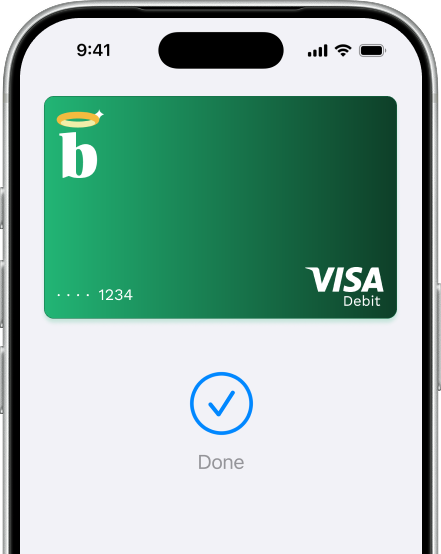
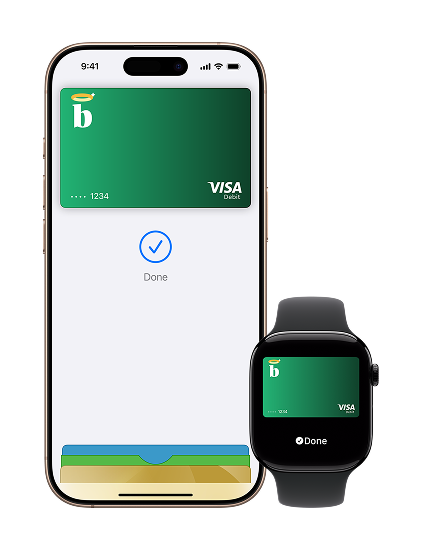
Go ahead, leave your wallet at home. With Apple Pay, you can pay with your Bless card directly from your iPhone or Apple Watch.

Secure
Apple Pay uses the security features built into your Apple device, including Face ID and Touch ID — which are designed so only you can authorise payments
Private
Your actual card number is never stored on your device or Apple servers. And when you pay, your card number is never shared by Apple with merchants, keeping these details hidden and offering an additional level of protection against fraud.
Use it where you already shop
To pay with Apple Pay online, in-app or in-store, just look for
 or the
  symbol.
Add your Bless card in seconds
iPhone only
Open Apple Wallet on your iPhone, then tap the plus sign (+) to get started.
Apple Watch only
Open Apple Wallet on your Apple Watch, then tap Add Card to get started.
iPad/Mac
On your iPad or Mac, open System Preferences and select Wallet & Apple Pay to get started.
Frequently Asked Questions
Everything You Need to Know
How do I pay with Apple Pay?
In store
With iPhone, double-click the side button, authenticate with Face ID, Touch ID or your passcode, then hold your device near the reader to pay.
With Apple Watch, just double-click the side button, then hold your device near the reader to finish your purchase.
Online or in-app
When purchasing online or in-app, tap the button, confirm your billing and shipping information, then authenticate with Face ID, Touch ID or your passcode.
Where can I use Apple Pay?
You can now pay with your Bless card anywhere you see in-store, online or in your favorite participating apps - it’s easy with Apple Pay.
Can I withdraw from ATMs with Apple Pay?
You can withdraw with your Apple Pay from any ATM where there's a contactless symbol.
What are my transaction limits?
You’ll have the same limits as normal. View your Bless card limits here
How do I learn more about Apple Pay?
For more information on Apple Pay, visit Apple Pay Support.




Send Spend Simple
Download the Bless Payments app